
YouTube Revenue Analytics: How Much Do Creators Really Make? (2025 Data)
Get clarity on YouTube revenue analytics. Learn how to track, optimize, and maximize your ad revenue with data-driven strategies.
Quick Answer
If you want better results from YouTube revenue analytics, focus first on packaging quality, then retention quality, and finally consistency of execution. Most channels grow when they improve these three levers in sequence, not in isolation.
Key Takeaways
- Start each video with one clear intent tied to "YouTube revenue analytics" and keep your packaging aligned with that intent.
- Track click-through rate, average view duration, and watch time together. Improving only one metric is rarely enough.
- Use a repeatable weekly workflow: audit, update, test, and document outcomes.
- Link related videos and blog posts so each new upload strengthens your full content ecosystem.
On this page
Introduction: The Truth About YouTube Revenue
How much do YouTube creators really make? It's one of the most common questions, but the answer is more complex than a simple number. Revenue varies dramatically based on niche, audience, content type, and monetization strategies.
In this comprehensive guide, we'll break down YouTube revenue analytics, show you how to track and optimize your earnings, and reveal data-driven insights about creator income in 2025.
Understanding YouTube Revenue Metrics
Before we dive into numbers, understand the key revenue metrics:
RPM (Revenue per Mille)
What it is: Estimated revenue per 1,000 views.
Why it matters: RPM shows how efficiently your channel monetizes. Higher RPM = more revenue from the same views.
Typical Range: $1-5 RPM is common, $5-10 is good, $10+ is excellent.
CPM (Cost per Mille)
What it is: What advertisers pay per 1,000 ad impressions.
Why it matters: Higher CPM = higher RPM potential. CPM varies by niche, season, and audience demographics.
Typical Range: $0.50-5.00, with some niches reaching $10+.
Ad Revenue
What it is: Money earned from YouTube ads (AdSense).
Why it matters: This is the primary revenue source for most creators, but not the only one.
How Much Do Creators Really Make?
Based on 2025 data, here's what creators typically earn:
Small Creators (1K-10K Subscribers)
- Monthly Revenue: $10-100
- RPM: $0.50-2.00
- Focus: Building audience, not revenue
Mid-Tier Creators (10K-100K Subscribers)
- Monthly Revenue: $100-5,000
- RPM: $1-5
- Focus: Diversifying income streams
Large Creators (100K-1M Subscribers)
- Monthly Revenue: $5,000-50,000
- RPM: $2-8
- Focus: Scaling and optimizing
Top Creators (1M+ Subscribers)
- Monthly Revenue: $50,000+
- RPM: $3-15+
- Focus: Business operations and brand deals
Important: These are averages. Individual results vary widely based on niche, content quality, audience engagement, and monetization strategies.
Factors That Affect Revenue
Several factors influence how much you can earn:
1. Niche
Some niches pay significantly more:
- High RPM Niches: Finance, tech, business, education ($5-15 RPM)
- Medium RPM Niches: Gaming, lifestyle, entertainment ($2-5 RPM)
- Lower RPM Niches: Vlogs, daily content, kids content ($0.50-2 RPM)
2. Audience Demographics
Advertisers pay more for certain demographics:
- Age: 25-54 year olds command higher rates
- Location: US, UK, Canada, Australia have higher CPMs
- Income: Higher-income audiences = higher CPMs
3. Content Type
Different content types monetize differently:
- Long-Form: More ad placements = higher revenue
- Shorts: Lower RPM but higher view volume
- Live Streams: Super Chats and memberships add revenue
4. Watch Time and Engagement
Higher engagement = better monetization:
- Longer watch time = more ad opportunities
- Higher retention = better ad performance
- Engaged audiences = higher CPMs
Tracking Your Revenue
Proper revenue tracking helps you optimize earnings:
Key Metrics to Monitor
- Monthly Revenue: Track total earnings month-over-month
- RPM Trends: Is your RPM improving or declining?
- Revenue by Video: Which content types earn most?
- Revenue Sources: AdSense vs. other income streams
Viewera's revenue analytics provides detailed insights into your earnings, helping you understand which content drives revenue and how to optimize for better monetization.
Optimizing Revenue
Here's how to increase your YouTube revenue:
1. Improve RPM
- Target higher-value niches or audiences
- Create content that attracts advertisers
- Optimize ad placement and frequency
- Build engaged, loyal audiences
2. Increase Watch Time
- Create longer, engaging content
- Improve retention rates
- Build playlists to increase session time
- Publish consistently to maintain watch time
3. Diversify Income Streams
Don't rely solely on AdSense:
- Sponsorships: Brand deals and partnerships
- Merchandise: Sell products to your audience
- Memberships: Channel memberships and Patreon
- Affiliate Marketing: Promote products you use
- Courses/Coaching: Sell your expertise
Revenue Analytics Best Practices
Use analytics to optimize revenue:
- Track Trends: Monitor RPM and revenue over time
- Identify Patterns: What content types earn most?
- Optimize Content: Create more of what earns
- Test Strategies: Try different approaches and measure results
- Set Goals: Use data to set realistic revenue targets
Common Revenue Mistakes
- Focusing Only on Views: Watch time and RPM matter more
- Ignoring RPM: High views with low RPM = low revenue
- Not Diversifying: Relying solely on AdSense is risky
- Chasing Trends: Short-term revenue spikes aren't sustainable
- Ignoring Analytics: Data reveals optimization opportunities
Revenue Projections
Use your analytics to project future revenue:
- Calculate average RPM over last 3 months
- Estimate monthly views based on trends
- Project revenue: (Monthly Views / 1000) × RPM
- Adjust for seasonality and growth trends
Remember: Projections are estimates. Actual results vary based on many factors.
Conclusion: Revenue as a Byproduct of Great Content
Revenue is important, but it's a byproduct of creating great content that serves your audience. Focus on:
- Creating valuable content
- Building engaged audiences
- Optimizing for watch time
- Diversifying income streams
- Using analytics to guide decisions
When you focus on serving your audience, revenue follows. Use analytics to optimize, but never let revenue become more important than creating great content.
Ready to optimize your YouTube revenue? Try Viewera and get access to detailed revenue analytics, RPM tracking, and insights that help you maximize your earnings.
Frequently Asked Questions
What is the fastest way to improve YouTube revenue analytics?
Improve your title-thumbnail promise and the first 30 seconds of the video first. This usually creates the biggest early lift in both CTR and retention.
How often should I review analytics for YouTube revenue analytics?
Review core metrics weekly and run a deeper content-level analysis monthly. This gives enough data to spot patterns without overreacting to noise.
Can I use AI tools without losing content quality?
Yes. Use AI for ideation, structure, and optimization support, but keep the final narrative, examples, and voice aligned to your audience and expertise.
Related Articles

The Complete YouTube SEO Guide for 2025: Rank Higher and Get More Views
Learn the latest YouTube SEO techniques that actually work. We analyzed 10,000+ videos to create this comprehensive guide covering titles, descriptions, tags, thumbnails, and analytics.
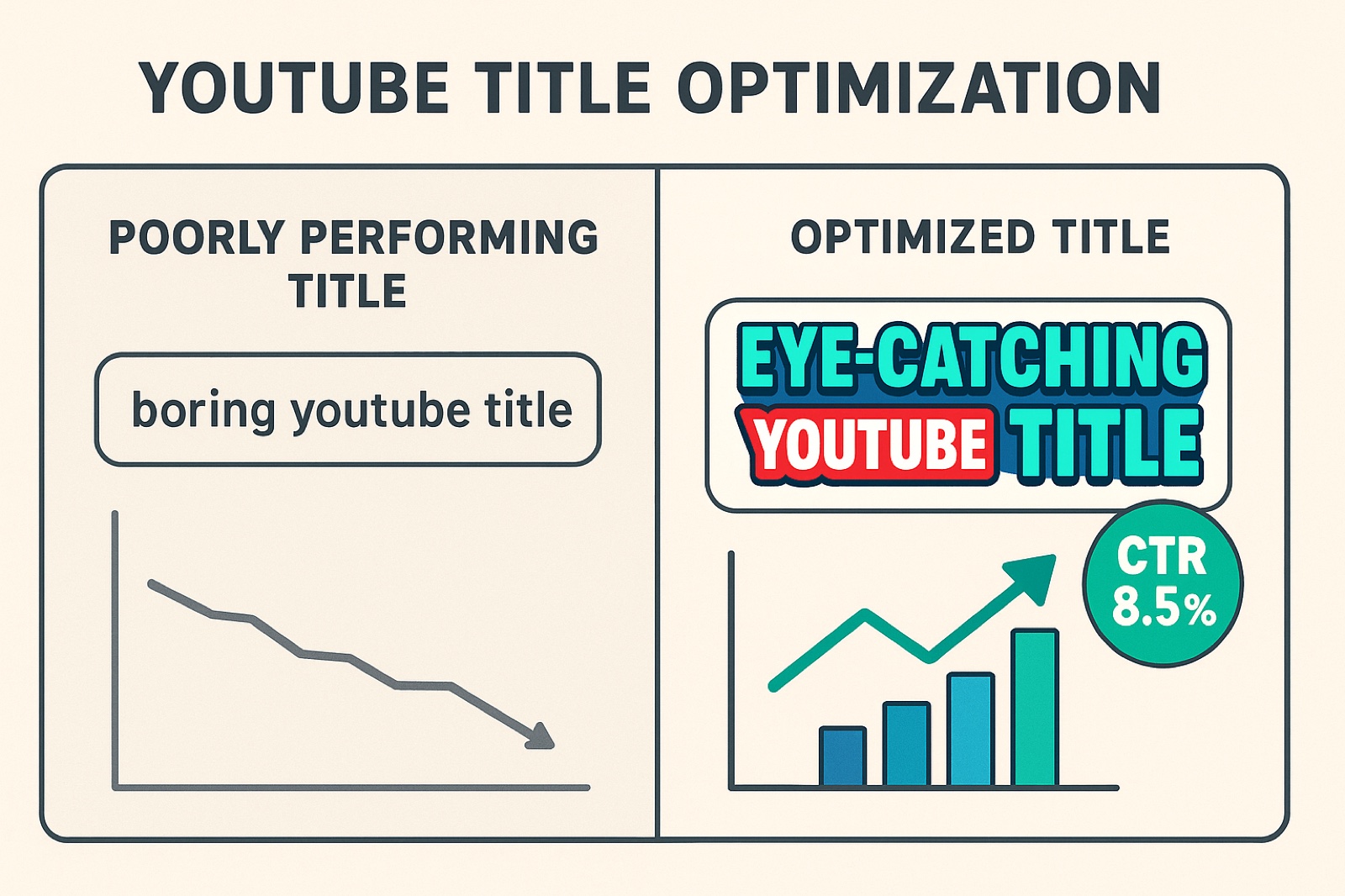
How to Optimize YouTube Video Titles for Maximum CTR: A Data-Driven Guide
Discover the science behind high-performing YouTube titles. We analyzed 10,000+ titles to reveal the psychological triggers and patterns that drive clicks.

YouTube Thumbnail Psychology: Why Your CTR Matters (And How to Improve It)
Discover the psychological principles behind high-performing thumbnails. Data from 50K+ videos reveals surprising patterns about color, composition, and viewer behavior.
Ready to Optimize Your YouTube Channel?
Viewera gives you clear analytics, SEO optimization tools, and content insights to help you grow your channel.
Start Free Trial