
How AI Is Changing YouTube Content Creation (And Why You Should Care)

AI is transforming how creators work. Learn how AI tools are accelerating content creation workflows and why you should embrace them.
Quick Answer
If you want better results from AI YouTube content creation, focus first on packaging quality, then retention quality, and finally consistency of execution. Most channels grow when they improve these three levers in sequence, not in isolation.
Key Takeaways
- Start each video with one clear intent tied to "AI YouTube content creation" and keep your packaging aligned with that intent.
- Track click-through rate, average view duration, and watch time together. Improving only one metric is rarely enough.
- Use a repeatable weekly workflow: audit, update, test, and document outcomes.
- Link related videos and blog posts so each new upload strengthens your full content ecosystem.
On this page
Introduction: The AI Revolution in Content Creation
AI is transforming how YouTube creators work. What used to take hours now takes minutes. What was impossible is now possible. But AI isn't replacing creators. It's empowering them to create better content faster.
In this guide, we'll explore how AI is changing YouTube content creation, the tools that are making a difference, and how to leverage AI to accelerate your workflow without sacrificing quality.
How AI Is Transforming Content Creation
AI is impacting every stage of the content creation process:
1. Ideation and Research
AI helps you generate ideas and research topics:
- Content idea generation based on trends
- Keyword research and topic suggestions
- Competitor analysis and gap identification
- Audience research and interest analysis
Viewera's content ideas feature uses AI to generate video ideas based on your channel's performance and audience interests, helping you never run out of content concepts.
2. Script Writing
AI assists with script creation:
- Outline generation
- Script writing assistance
- Hook and conclusion optimization
- Transcription and editing
3. Title and Description Generation
AI creates multiple variations quickly:
- SEO-optimized titles
- Compelling descriptions
- Multiple variations for A/B testing
- CTR prediction
Viewera's AI Studio generates titles, descriptions, and even predicts which ones will perform best, saving hours of manual work.
4. Thumbnail Creation
AI generates thumbnail variations:
- Multiple design options
- Optimized for CTR
- Brand-consistent designs
- Quick iteration and testing
5. Analytics and Optimization
AI analyzes performance and provides insights:
- Automated insights generation
- Performance predictions
- Optimization recommendations
- Trend identification
AI Tools for YouTube Creators
Here are the AI tools making the biggest impact:
Content Generation Tools
- ChatGPT: Script writing, idea generation, research
- Claude: Long-form content, analysis, editing
- Jasper: Marketing copy, descriptions, titles
- Viewera AI Studio: YouTube-specific content generation
Visual AI Tools
- Midjourney/DALL-E: Thumbnail image generation
- Canva AI: Design assistance
- Runway ML: Video editing and effects
Analytics AI Tools
- Viewera: Automated insights and recommendations
- TubeBuddy AI: SEO optimization
- VidIQ AI: Content suggestions
The Benefits of AI in Content Creation
AI offers significant advantages:
1. Speed
AI accelerates every step:
- Generate 10 title variations in seconds
- Create thumbnail concepts in minutes
- Write descriptions faster than manual typing
- Research topics in minutes, not hours
2. Quality
AI helps improve content quality:
- SEO optimization suggestions
- Grammar and style improvements
- Consistency across content
- Data-driven recommendations
3. Creativity
AI enhances creativity:
- Generates ideas you might not think of
- Provides different perspectives
- Suggests creative approaches
- Helps overcome creative blocks
4. Scalability
AI enables scaling:
- Create more content in less time
- Maintain quality at scale
- Consistent output
- Focus on high-value tasks
AI Workflow Integration
Here's how to integrate AI into your workflow:
Step 1: Ideation
- Use AI to generate topic ideas
- Research keywords and trends
- Analyze competitor content
- Select best ideas based on data
Step 2: Planning
- Use AI to create outlines
- Generate title and description options
- Plan thumbnail concepts
- Schedule in content calendar
Step 3: Creation
- Use AI for script assistance
- Generate thumbnails
- Create descriptions
- Optimize all elements
Step 4: Optimization
- Use AI to analyze performance
- Get optimization recommendations
- Test AI-generated variations
- Iterate based on results
Best Practices for AI Content Creation
Use AI effectively with these practices:
1. AI as Assistant, Not Replacement
AI should enhance your work, not replace your creativity:
- Use AI for repetitive tasks
- Maintain your unique voice and perspective
- Edit and refine AI-generated content
- Add personal insights and experiences
2. Quality Over Speed
Don't sacrifice quality for speed:
- Review and edit AI-generated content
- Ensure accuracy and fact-checking
- Maintain brand consistency
- Add human touch and personality
3. Test and Iterate
Use AI to test different approaches:
- Generate multiple variations
- A/B test AI-generated options
- Learn what works best
- Refine your AI prompts over time
4. Stay Authentic
Don't let AI make you sound generic:
- Inject your personality into AI content
- Share personal experiences and stories
- Maintain your unique perspective
- Use AI to enhance, not replace, your voice
AI Tools Comparison
Here's how different AI tools compare for YouTube creators:
| Tool | Best For | Limitations |
|---|---|---|
| ChatGPT | Scripts, ideas, research | Not YouTube-specific, requires good prompts |
| Viewera AI | YouTube-specific content, SEO | Focused on YouTube optimization |
| Midjourney | Thumbnail images | Requires design skills, subscription cost |
| Canva AI | Quick designs | Limited customization, template-based |
The Future of AI in Content Creation
AI is evolving rapidly. Here's what's coming:
- Better Understanding: AI will better understand context and nuance
- Video Generation: AI-generated video content is improving
- Personalization: AI will create personalized content for audiences
- Automation: More workflow steps will be automated
Ethical Considerations
Use AI responsibly:
- Disclosure: Consider disclosing AI use when appropriate
- Accuracy: Always fact-check AI-generated content
- Originality: Don't just copy AI output. Add your perspective
- Transparency: Be honest about how you use AI
Conclusion: Embracing the AI Revolution
AI is here to stay, and creators who embrace it will have a significant advantage. By using AI to handle repetitive tasks, generate ideas, and optimize content, you can focus on what matters most: creating great content that serves your audience.
The key is finding the right balance: use AI to accelerate your workflow and improve quality, but maintain your unique voice and creativity. AI is a tool, not a replacement for human creativity and insight.
Ready to supercharge your content creation with AI? Try Viewera and get access to AI-powered title generation, description writing, thumbnail creation, and content ideas that accelerate your workflow and improve your results.
Frequently Asked Questions
What is the fastest way to improve AI YouTube content creation?
Improve your title-thumbnail promise and the first 30 seconds of the video first. This usually creates the biggest early lift in both CTR and retention.
How often should I review analytics for AI YouTube content creation?
Review core metrics weekly and run a deeper content-level analysis monthly. This gives enough data to spot patterns without overreacting to noise.
Can I use AI tools without losing content quality?
Yes. Use AI for ideation, structure, and optimization support, but keep the final narrative, examples, and voice aligned to your audience and expertise.
Related Articles
The Complete YouTube SEO Guide for 2025: Rank Higher and Get More Views
Learn the latest YouTube SEO techniques that actually work. We analyzed 10,000+ videos to create this comprehensive guide covering titles, descriptions, tags, thumbnails, and analytics.
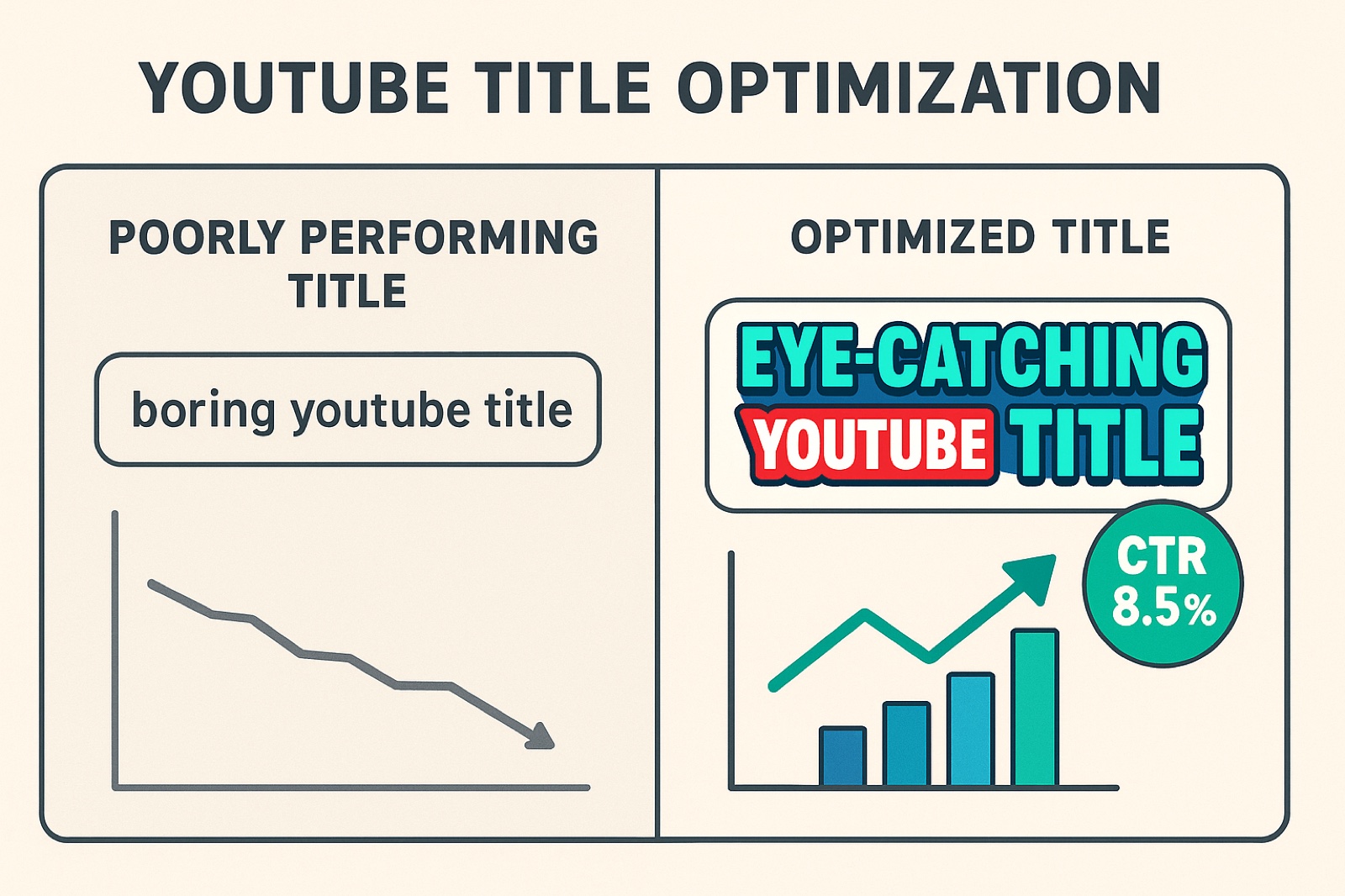
How to Optimize YouTube Video Titles for Maximum CTR: A Data-Driven Guide
Discover the science behind high-performing YouTube titles. We analyzed 10,000+ titles to reveal the psychological triggers and patterns that drive clicks.
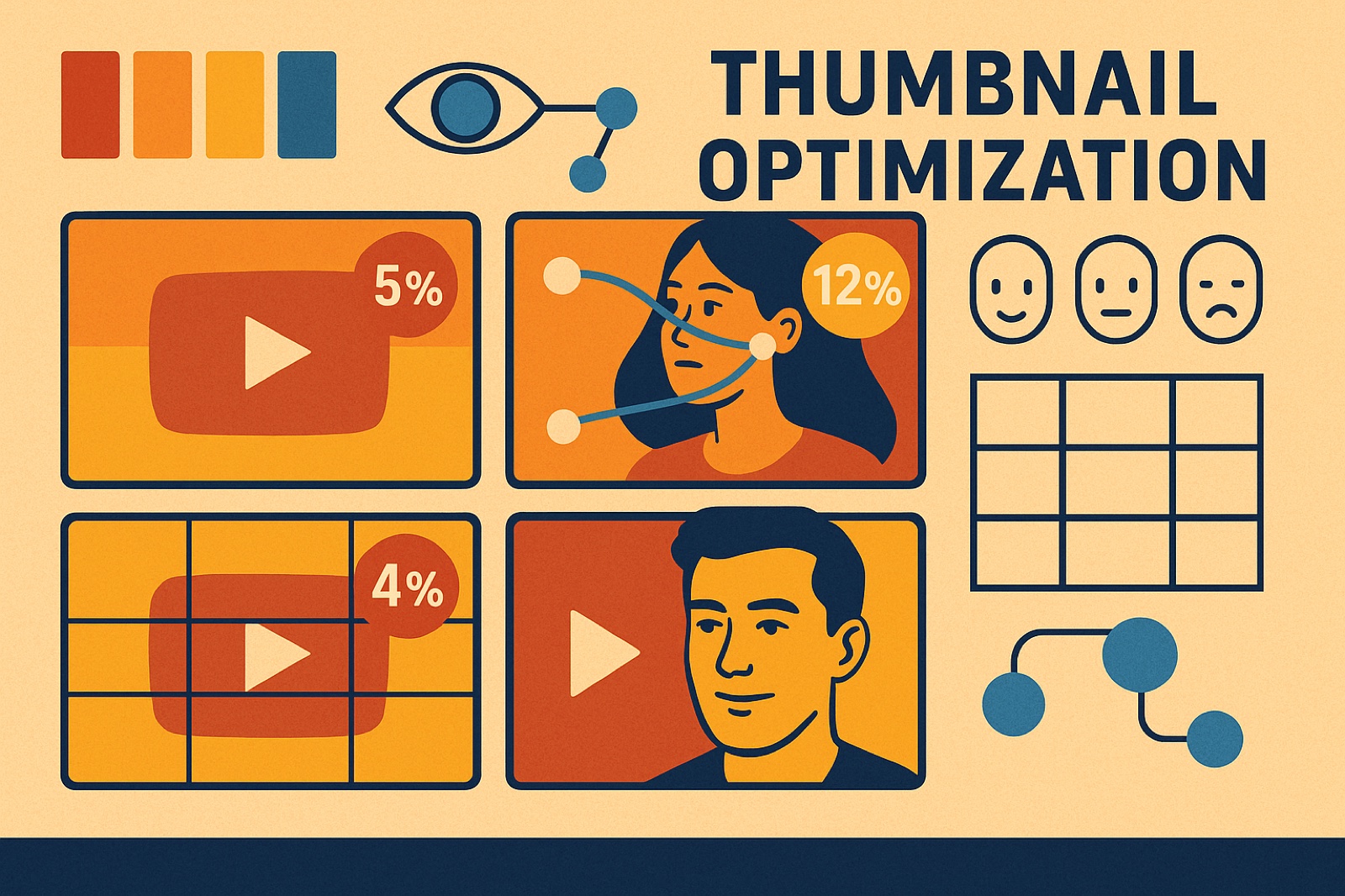
YouTube Thumbnail Psychology: Why Your CTR Matters (And How to Improve It)
Discover the psychological principles behind high-performing thumbnails. Data from 50K+ videos reveals surprising patterns about color, composition, and viewer behavior.
Ready to Optimize Your YouTube Channel?
Viewera gives you clear analytics, SEO optimization tools, and content insights to help you grow your channel.
Start Free Trial